


Most Google Workspace announcements are features you can ignore until you need them. This one has dates. If your company has an AI pilot or a custom integration that reads Gmail, Drive or Calendar, the next five months matter.
What Google announced
On Nov 24, 2026, Google made Workspace MCP servers and the Workspace CLI generally available, introduced two API usage tiers and added new admin controls for AI agents. It also published a Workspace AI Tools Addendum that sets rules for how agents may use Workspace data. The changes reach all domains over about two weeks.
What MCP is, in plain terms

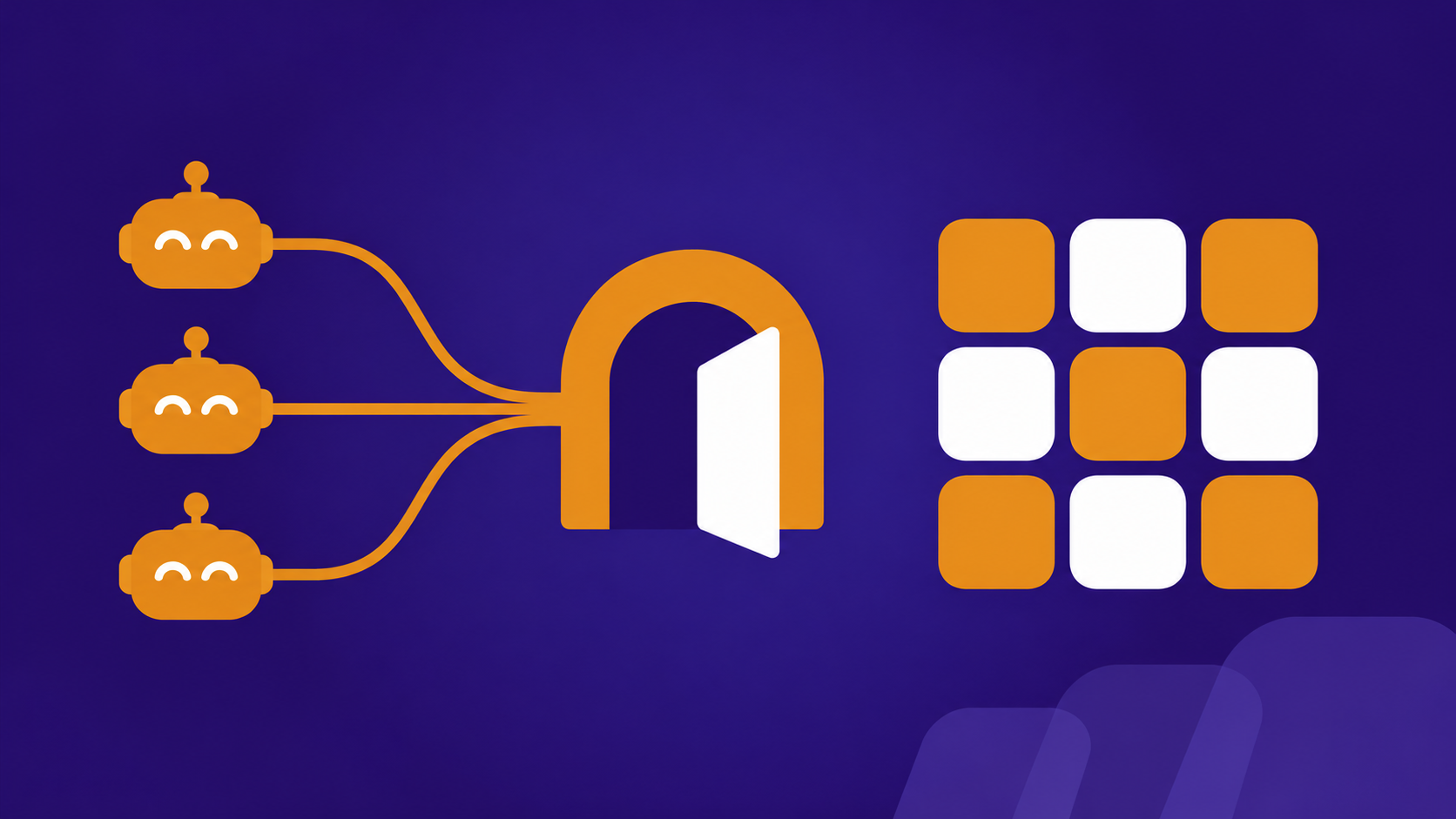
MCP, the Model Context Protocol, is an open standard for connecting AI agents to tools and data. Instead of each agent calling Gmail or Drive its own way, it goes through a Google-hosted MCP server. That gives admins one place to see and control what agents do.
Google's MCP servers cover Gmail, Google Drive, Docs, Sheets, Slides, Calendar, Chat and Tasks, with Keep coming later. The Workspace CLI is the companion for agents that run in terminals, virtual machines and containers.
The two dates that matter

Feb 1, 2027: agents must use MCP. Google says AI agents should move from calling the REST APIs directly to Workspace MCP servers, and that technical enforcement begins Feb 1. Developers should also mark the OAuth clients their agents use as AI agents.
Apr 1, 2027: usage tiers start billing. The Gmail, Drive and Calendar APIs and the MCP servers now have two tiers:
- Standard: no cost, with published usage limits.
- Scaled: for projects that need more, charged only for use above daily free allowances.
Google says over 99% of active developers are on Standard and stay at no extra cost. Owners of projects above the limits get an email with details.
Who this affects
- Companies running AI pilots that read email, files or calendars.
- Teams with custom integrations or internal tools built on Workspace APIs.
- Anyone using third-party AI tools that connect to Workspace through OAuth.
- Vendors who built any of the above for you. Their agents have the same deadline.
What breaks if nobody acts
Two things can go wrong quietly.
First, if a project is above the Standard limits and nobody marks it internal or moves it to Scaled before April 1, Google automatically drops it to Standard limits. A sync job or agent that ran fine in March can be throttled in April.
Second, an agent still calling REST APIs directly after Feb 1 is outside Google's rules once enforcement starts. Google hasn't detailed every effect of enforcement, so the safe move is to plan the switch now.
A four-step plan
1. Check the usage dashboard
Google's new Workspace API usage dashboard shows each project's use against Standard limits plus estimated costs. If every project is under the limits, Google says you don't need to do anything about billing.
2. Mark internal projects, bill the rest
For projects over the limits, there are two paths. If a project is used only inside your Workspace organization, a Workspace admin can mark it internal, and Google says higher limits stay included with your subscription. Any other project needs a Cloud Billing admin to link a billing account and switch it to Scaled. Projects that already have higher limits need the same steps to keep them.
3. Move AI agents to MCP
List every agent that touches Workspace data, including tools from vendors. For each one, confirm whether it calls REST APIs directly, plan the move to MCP before Feb 1 and mark its OAuth client as an AI agent. Read the AI Tools Addendum with whoever built the agent, since it limits storing some API-derived data for long periods and bans scraping.
4. Turn on the new admin controls
In the Admin console under Security > API Controls, admins can now manage external AI tools, MCP servers, the CLI and APIs in one place. They can require users to confirm sensitive actions, such as reading external files or sharing data, while routine actions like drafting stay quick. Existing DLP rules apply to agents automatically, and audit logs record agent actions and confirmations.
How Band of Coders can help
We help mid-market teams get through changes like this without pulling engineers off the roadmap.
- Google Workspace licensing and setup. License only, license plus setup, or ongoing support. [CHECK: link to Google Workspace service page]
- A 30-minute Workspace agent check. We go through the usage dashboard with you, list the projects and agents affected and set up the admin controls.
- AI consulting and engineers. If an agent needs to move to MCP, our team can do it with yours.
Frequently asked questions (FAQs)
Related posts
Your Google Workspace AI agents have a February deadline

Microsoft 365 outage: what it showed about backup and business continuity